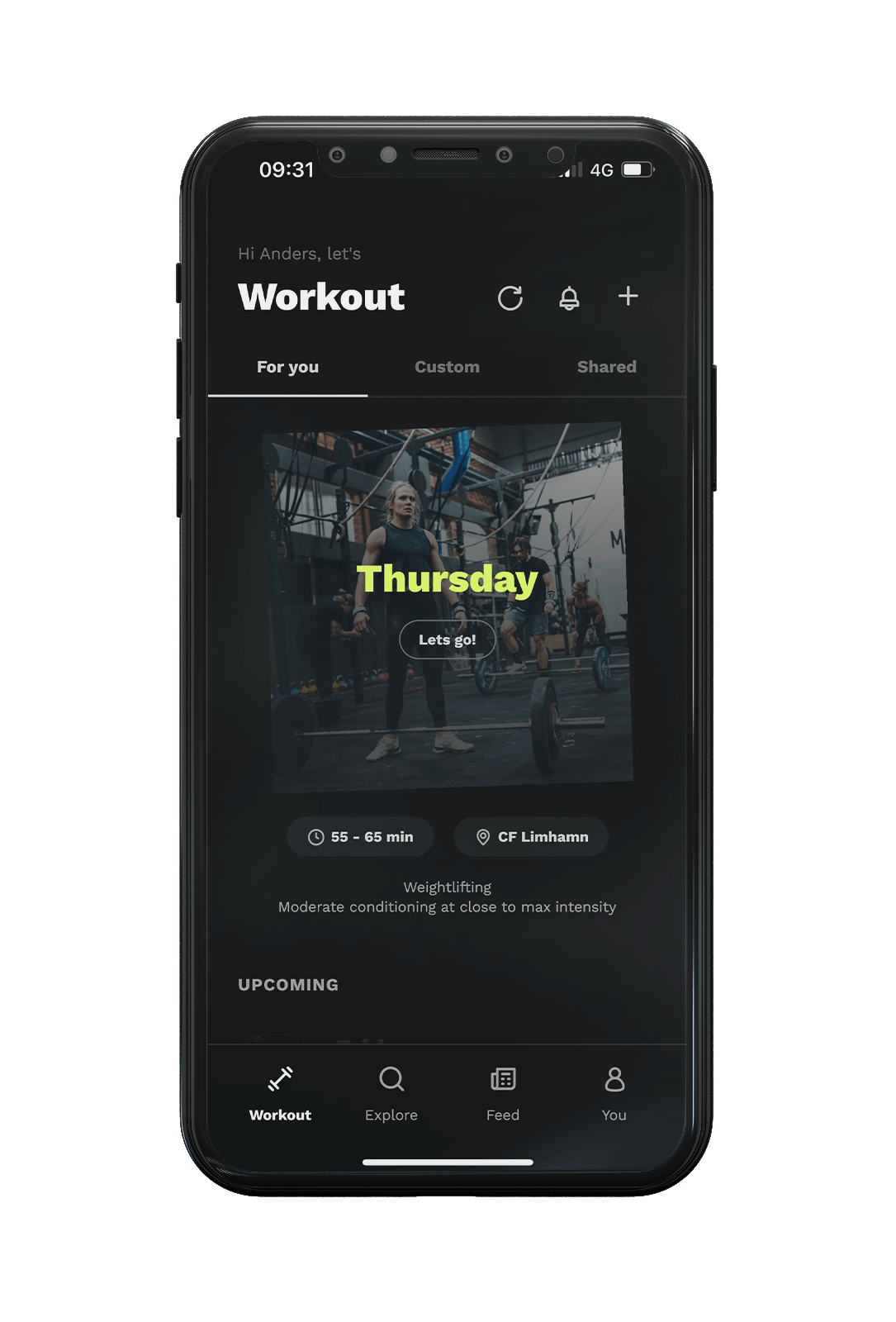
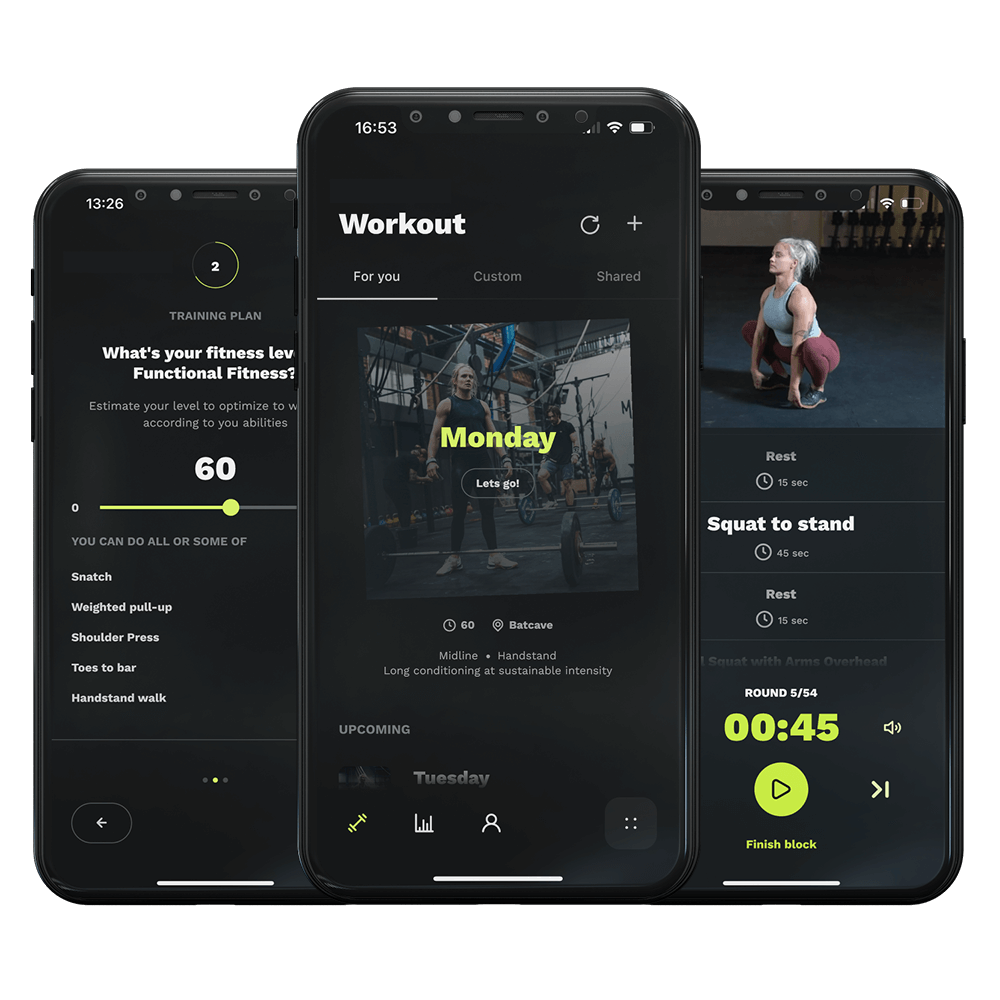
Here, we’ve gathered some tutorials and a collection of frequently asked questions to provide you with quick and comprehensive answers. Whether you’re a new visitor or a long-time customer, this resource aims to address common inquiries and help you make the most of your experience with the Relentless Trainer.
Mischen Sie die Trainingsarten in Ihrem wöchentlichen Zeitplan
In this quick tutorial, you’ll discover:
✅ How to access the Schedule settings and…
✅ …customizing specific days of your training week
✅ Mixing different strength and conditioning components
FAQ - Payments
I have canceled my subscription, but you still charged me afterward?
If you pay through Klarna, you usually pay with a 30-day delay. An example: We received payment from you through Klarna on August 3rd – a payment that doesn’t become due for you until September 3rd because you have a 30-day ‘credit,’ and you canceled your subscription on August 25th.
In this case, the perceived feeling can be that you are paying after you have canceled the service.
Setting a movement goal.
We’ve just rolled out our brand new skill progression feature, designed specifically for anyone looking to master challenging movements like the handstand walk and ring muscle ups. Whether you’re a beginner aiming to get your first handstand or an athlete in the need to get your first muscle ups, this feature is tailored just for you. Check out the video to see how it all works.
Customize your current training program.
Want to customize your current training program? Check out our neat little tutorial guiding you through the process of how to set priority, block patterns etc.
Edit your available equipment.
Did you know that you can specify the exact dumbbells and kettlebells available at your location in the app? Here’s a quick and easy tutorial on how to edit the available equipment for your training location.
How to switch exercises in a training session
If you want to exchange a specific exercise in your upcoming session or just tweak it a little bit according to your preferences, here’s a tutorial helping you out.
How to add a fitness tracker to the Relentless Trainer
Did you know that there’s a way to add your heart rate monitor, or fitness tracker to the Relentless Trainer? Check out this guide showing you how to do it. We currently support GoogleFit, Garmin, Whoop, Polar, Strava and Fitbit.
How to reduce jumping exercises
Here is a simple guide that will show you how you can quickly eliminate exercises that involve movements such as jumps.
Machen Sie Ihren Zug.
Besiege deine Bestie.
Brich deine Box auf.
Bei der Umstellung auf einen gesünderen Lebensstil geht es nicht darum, ein paar Mal ins Fitnessstudio zu gehen, sondern darum, sich gesunde tägliche Gewohnheiten und eine Einstellung anzueignen, die einem hilft, auch in schwierigen Zeiten durchzuhalten.
Wir wissen, dass Beständigkeit der Schlüssel ist, und wir geben Ihnen die Werkzeuge an die Hand, die Sie brauchen, um das Fitnessniveau zu erreichen, zu dem Sie schon immer fähig waren.
Sie werden Ihre imaginären Grenzen überwinden, indem Sie einfach aufkreuzend und Durchführung der Arbeiten.