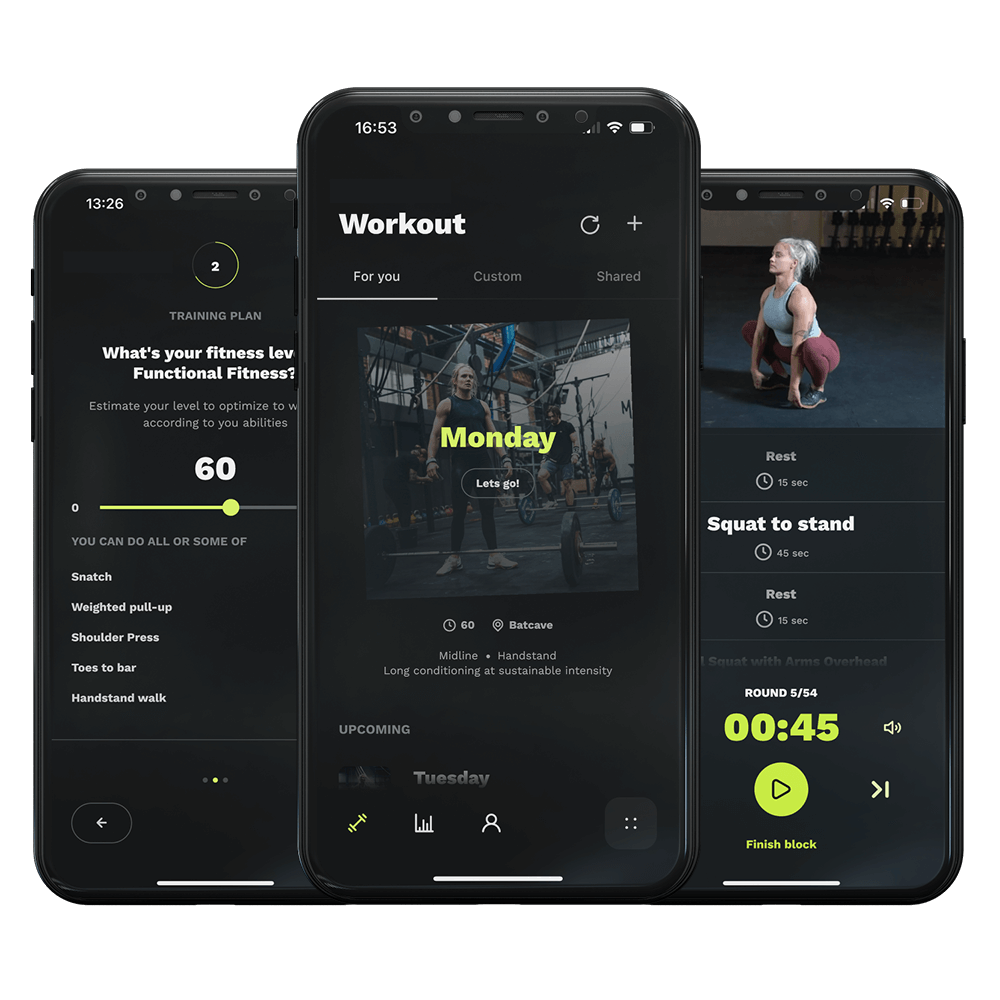
Today, I’m excited to show you how to get a clear view of your upcoming training sessions with the ‘Schedule’ feature in our app. Planning ahead is key to staying committed and reaching your goals, and I’m here to make sure you’ve got all the tools you need.
Let’s dive in. Open the app and head straight to the ‘Settings’—you’ll find the icon in the bottom navigation bar. This is where you customize your training experience to fit your lifestyle. In the middle of the screen tap the row marked ‘Schedule’.
At the top of this settings page, there’s an option labeled ‘Use Schedule’. If it’s not already activated, tap on it to turn it on. This is your first step towards a more organized training routine.
With ‘Use Schedule’ activated, you gain the power to customize your training week. You can now add or delete training days, select where you want to train, and decide how long each session should be. Tailor everything to suit your personal goals and schedule.
After setting up, head back to the home screen. Here, you’ll see your planned workouts for the next 6 days. It’s all there at a glance, making it easier than ever to stay on track and mentally prepare for the challenges ahead.
Let’s dive in. Open the app and head straight to the ‘Settings’—you’ll find the icon in the bottom navigation bar. This is where you customize your training experience to fit your lifestyle. In the middle of the screen tap the row marked ‘Schedule’.
At the top of this settings page, there’s an option labeled ‘Use Schedule’. If it’s not already activated, tap on it to turn it on. This is your first step towards a more organized training routine.
With ‘Use Schedule’ activated, you gain the power to customize your training week. You can now add or delete training days, select where you want to train, and decide how long each session should be. Tailor everything to suit your personal goals and schedule.
After setting up, head back to the home screen. Here, you’ll see your planned workouts for the next 6 days. It’s all there at a glance, making it easier than ever to stay on track and mentally prepare for the challenges ahead.