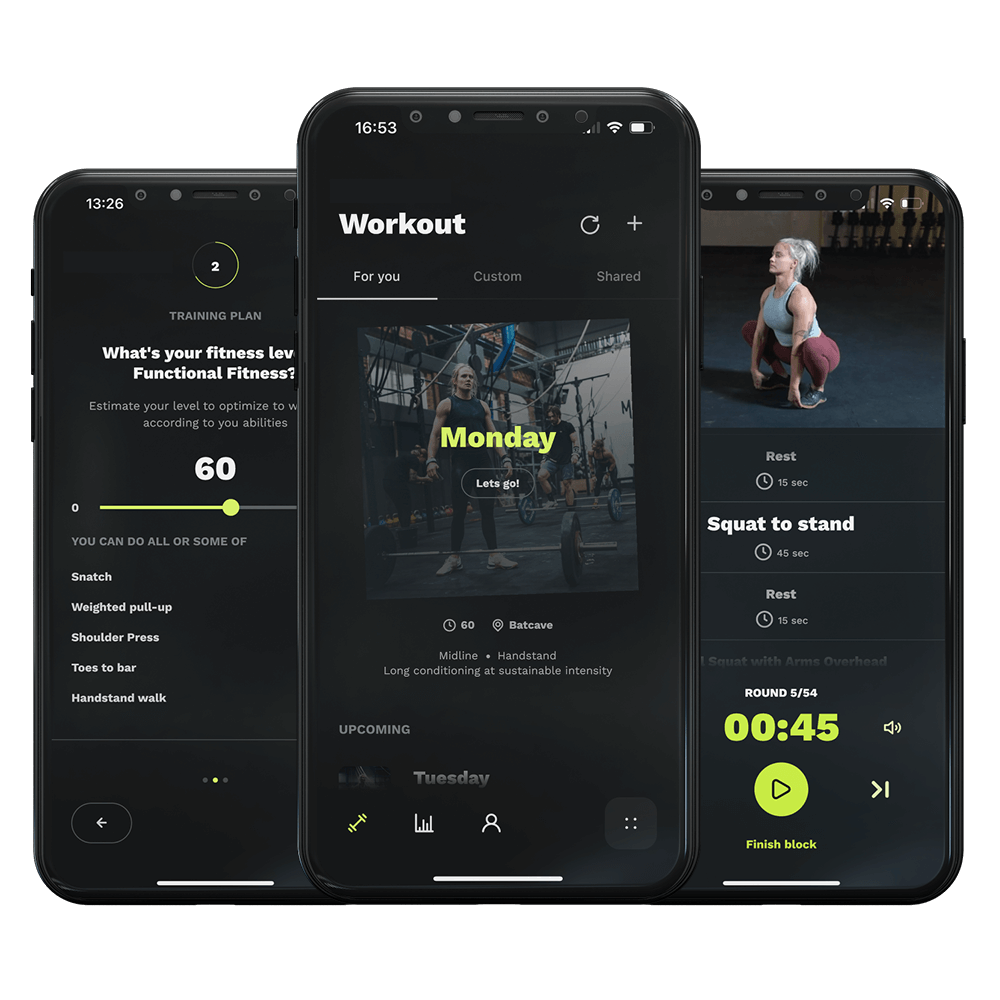
First things first, launch your Relentless app. Look for the yellow dot with an arrow on it—that’s your entry point to today’s session. Tap on it to get started.
Once you’re in, scroll through your workout until you find the exercise you’re looking to swap out. In our case, we’re replacing ‘Running’ with something a bit different. Found it? Great!
Now, tap on the three dots next to the exercise you want to change. This will open up a menu with several options. Here, you’ll select ‘Replace’.
You’ll see a list of alternatives to choose from. Scroll through until you find ‘Rowing’. Select it and then, the most important part, don’t forget to hit ‘Save’. This ensures your changes are applied.
And just like that, ‘Running’ is out, and ‘Rowing’ is in. Your exercise has been successfully replaced, and you’re all set to tackle your session with a fresh challenge.
Once you’re in, scroll through your workout until you find the exercise you’re looking to swap out. In our case, we’re replacing ‘Running’ with something a bit different. Found it? Great!
Now, tap on the three dots next to the exercise you want to change. This will open up a menu with several options. Here, you’ll select ‘Replace’.
You’ll see a list of alternatives to choose from. Scroll through until you find ‘Rowing’. Select it and then, the most important part, don’t forget to hit ‘Save’. This ensures your changes are applied.
And just like that, ‘Running’ is out, and ‘Rowing’ is in. Your exercise has been successfully replaced, and you’re all set to tackle your session with a fresh challenge.