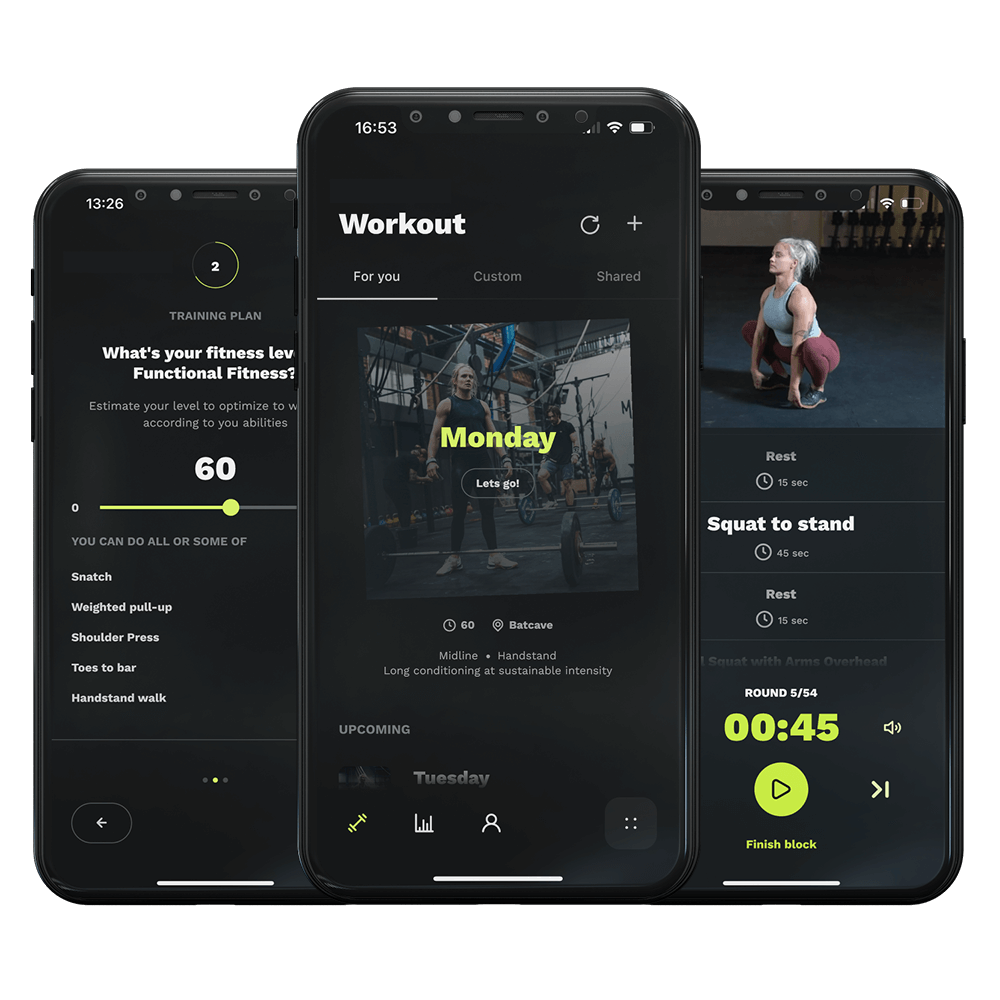
First, open your Relentless app. If you have set an event goal, you need to first start with cancelling that. You do that by clicking on your goal, locate the three dots at the top right. Tap that, and then ‘Cancel event goal’.
Now, let’s restart your block. At the bottom of your screen, you’ll see the navigation bar. Tap on ‘Settings’.
Next, within ‘Settings’, look for ‘Training Settings’. This is where you can tailor your training experience. Tap that. At the top right find the three dots and tap them. Next step is simply to select ‘Start new training block’.
And just like that, you’re ready to embark on a new phase.
Now, let’s restart your block. At the bottom of your screen, you’ll see the navigation bar. Tap on ‘Settings’.
Next, within ‘Settings’, look for ‘Training Settings’. This is where you can tailor your training experience. Tap that. At the top right find the three dots and tap them. Next step is simply to select ‘Start new training block’.
And just like that, you’re ready to embark on a new phase.